Setting Up A Study Space? Here’s All The Right Gear You Need
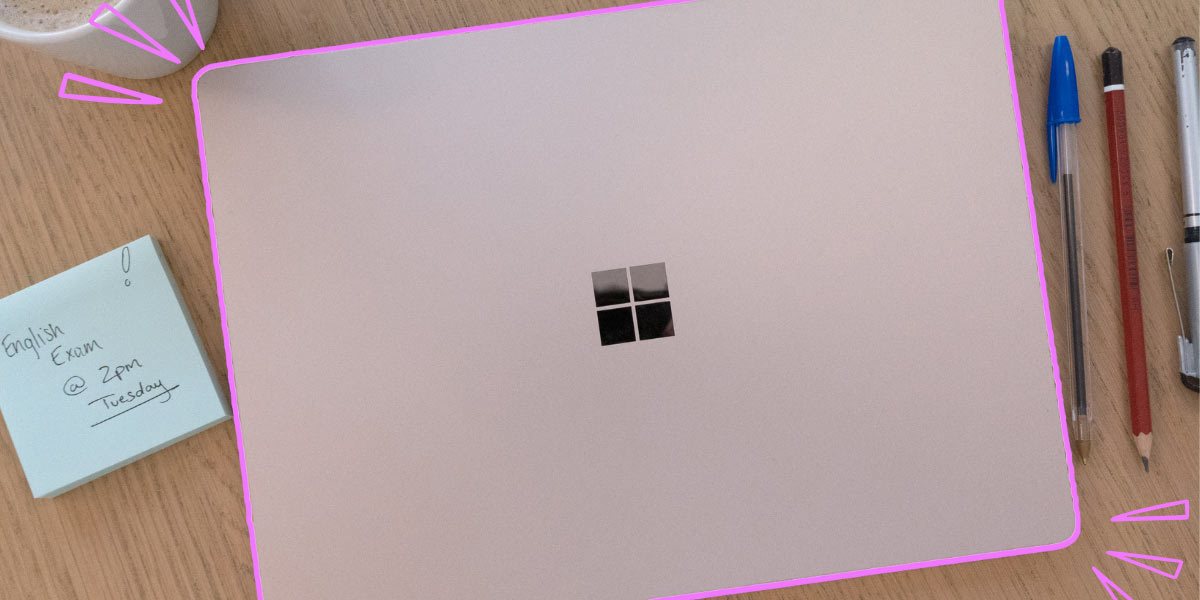
Here's how to maximise your vibes.
This article is presented in partnership with Microsoft Surface.
Uni’s in full swing and school’s back – you know what that means.
Setting up the perfect study space. Complete with all the right vibes, the perfect feng shui and the right aesthetic for you.
The perfect mix of functionality and aesthetics is the best way to get stuck into study this year, without feeling like you’re trapped in a deep dark study.
From the right lighting, music, chair and a new Microsoft Surface Laptop, here’s how you can create the ultimate at home study space.

The perfect space.
Let’s start with the basics – the room. If you’re setting up a study space at home, you’ll want to make sure you’ve got a couple staples before you get started.
The perfect study space is somewhere where you’re comfy and at peace – this might be in your home study, or in a spare room.
Just make sure it’s an area that isn’t too busy – you don’t wanna be getting distracted too much.
Most experts reckon it’s important to study and work somewhere outside of your bedroom.
This is so you can separate your uni and personal lives, and have somewhere to take those well deserved breaks.
In your study space, some things you should look for include a window that opens (fresh air is king) and has minimal clutter and distractions.
Clean desk, clean mind.

The furniture.
Yeah, you need a desk – but which one? When choosing a desk, you should always make sure it fits right for you.
The basic rule is 90 degrees. Your feet should be able to be firmly planted on the ground, legs straight, arms parallel to the ground, and spine straight.
You’re gonna be spending a lot of time in the new space, so it’s pretty important that it doesn’t damage your spine.
Just as important as the desk is the chair.
Always pick a chair with good back support, and it’s ideal if it’s adjustable.

The right tools.
Before we get to the main event, it’s essential all your peripherals are in order.
Everyone works differently and uses tech in a different way, but a great tip is always a responsive mouse that’ll make you work even more efficiently.
The new Microsoft Bluetooth Ergonomic Mouse is light, durable, and comfortable, plus it comes in four colours, so it’ll always match your office aesthetic.
If you’re in a busy or loud household – why not consider a good pair of headphones?
The Surface Headphones 2 provide 13 levels of active noise cancellation, so they’re sure to shut out all that unwanted noise.
Plus, who doesn’t love listening to some tunes or a podcast while studying?
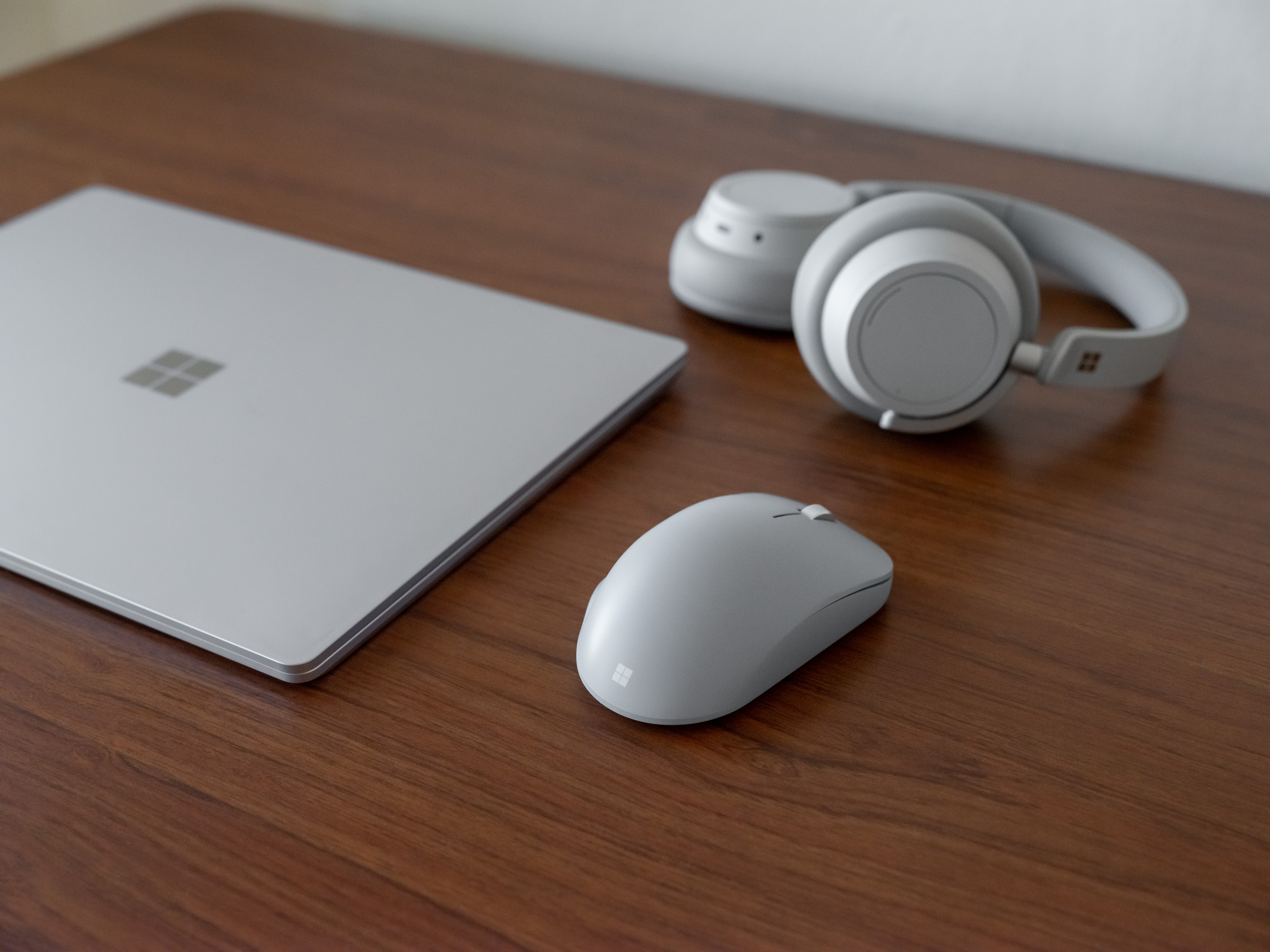
Image: Microsoft Surface.
The best device.
This is the main event – throughout uni, your device is gonna stick with you and will be a part of everything you do.
So why settle for less?
The Surface Laptop 5 is a full-size laptop that’s easy to move around uni campuses with, but’s also perfect for setting up at a desk.
With a 12th Gen Intel Core processor, it’s the perfect device for some of those beefy uni tasks and massive exam periods.
Plus, it features a vibrant display and a touchscreen, with software and capabilities that make it suited for literally any degree.
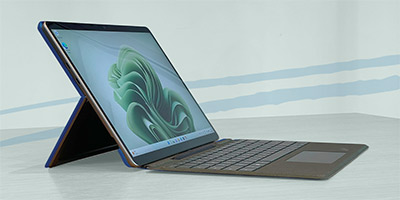
But if you’re more on the go, the Surface Pro 9 is a 2-in-1 laptop and tablet that’s at home on a desk or in your hand as you zoom through campus.
The responsive touch screen is the perfect partner for the Surface Slim Pen 2, which will enhance your note-taking, studying and more.
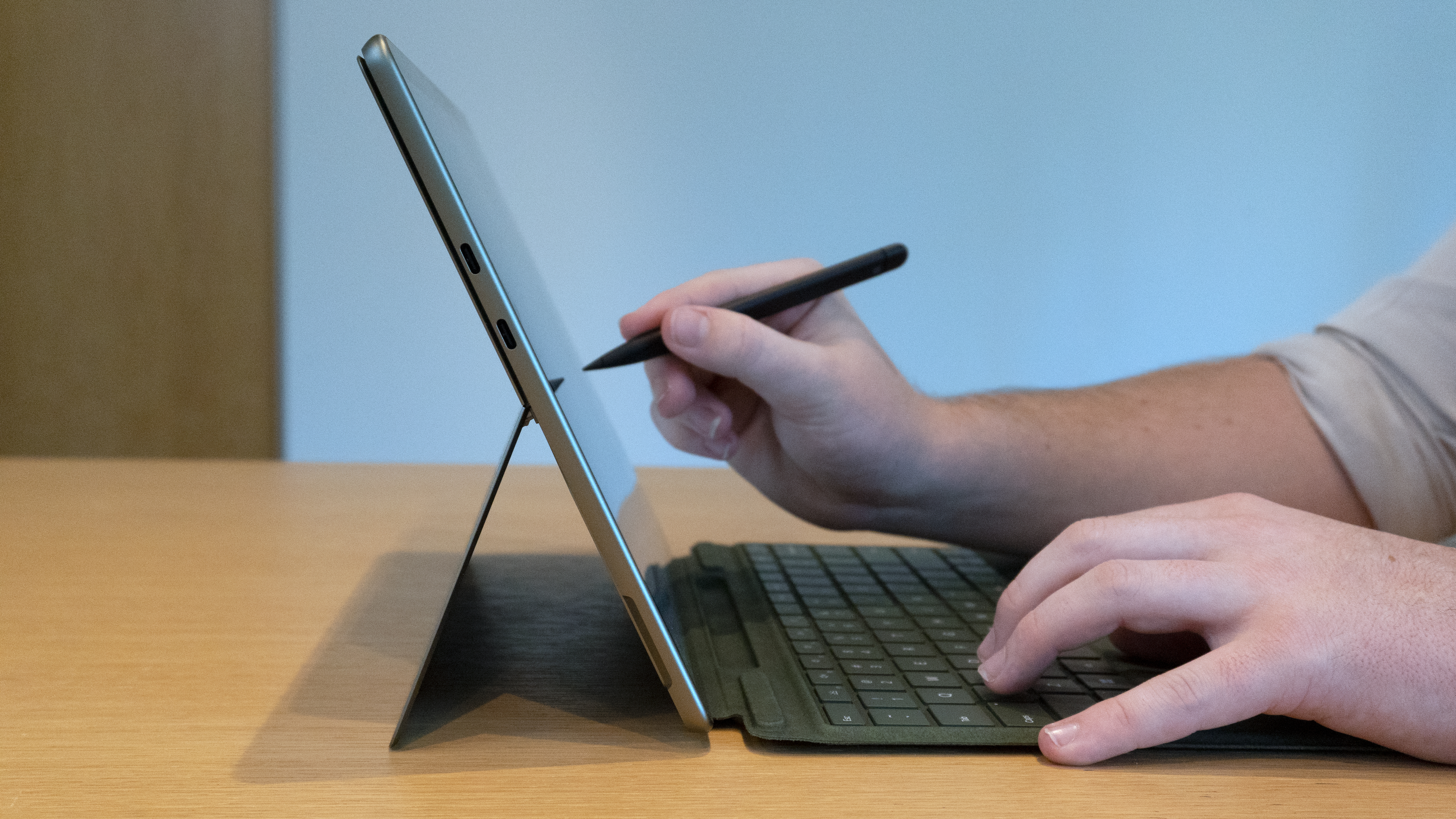
Image: Microsoft Surface.
You can grab both of those devices at JB Hi-Fi now*.
The vibes.
Last (but certainly not least), a big part of setting up your own space is making it one for you.
When you feel comfortable and at peace, you work better.
So chuck some photos up, get those desk toys and go nuts with colour.
The Surface Pro 9 and the Surface Laptop 5 both come in multiple colours, from Sage to Sandstone, so they’re sure to fit your specific vibe.

Grab the new Microsoft Surface Pro 9 and Surface Laptop 5 here to do it all and more this year. Buy now at JB-HIFI*.
*Available at all major retailers.
Topics
Ref: d6eb1bcf-c7dd-4968-ba24-afa1007a88bc

Most Popular



Comments & Feedback
Share your opinion
Emoji cheatsheet Formatting Comment guidelines
I think that this is a great guide to carving out your own study space and as a Microsoft Surface user myself I find the speed and performance with the Surface Laptop Go 2 with 8GB of ram, 11th gen core i5 and a 256GB SSD (Solid State Drive) is great for high school and a 12.4-inch pixelsense touchscreen display but unfortunately being unable to fold the screen back 360 degrees nor 180 degrees it is only able to go roughly 115 degrees back with no pen support but with windows 11 Home edition it works great and it's super helpful with handling basic work computing and light gaming it pretty good for a high school and a Uni student studying not a processor-intensive subject