5 Ways To Use Your Laptop For Study You’ve Never Thought Of Before
Work smarter, not harder.
This article is presented in partnership with Microsoft Surface.
New Year means new gear - get ready for the new semester by picking up the best tech that’s functional, portable, sustainable and more.
It’s the night before the new semester – you have your books packed, your lunch prepped and your laptop charging and ready for the new year ahead.
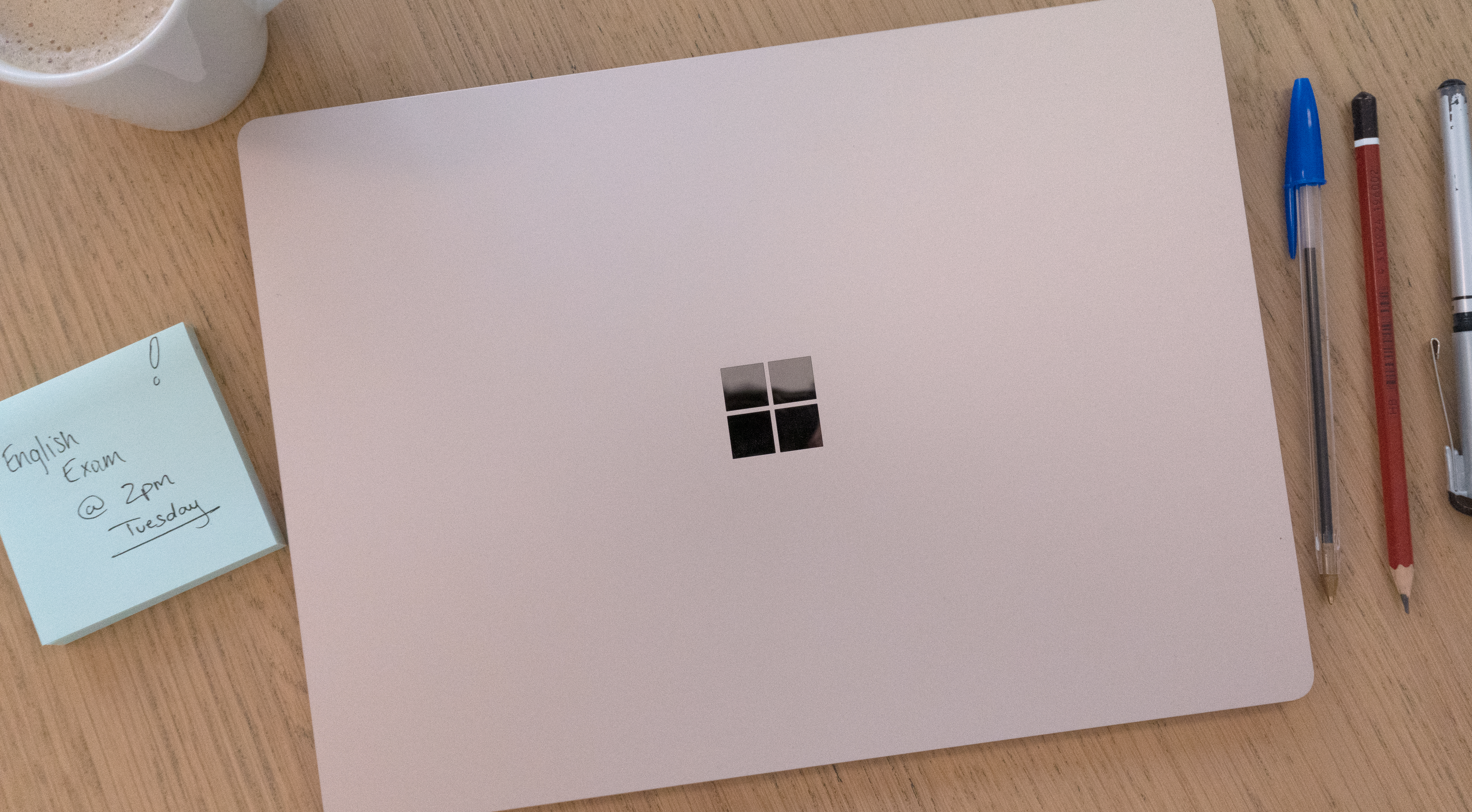
But before you’ve stepped foot into school or on campus, have you thought about ways you can get the best out of your laptop?
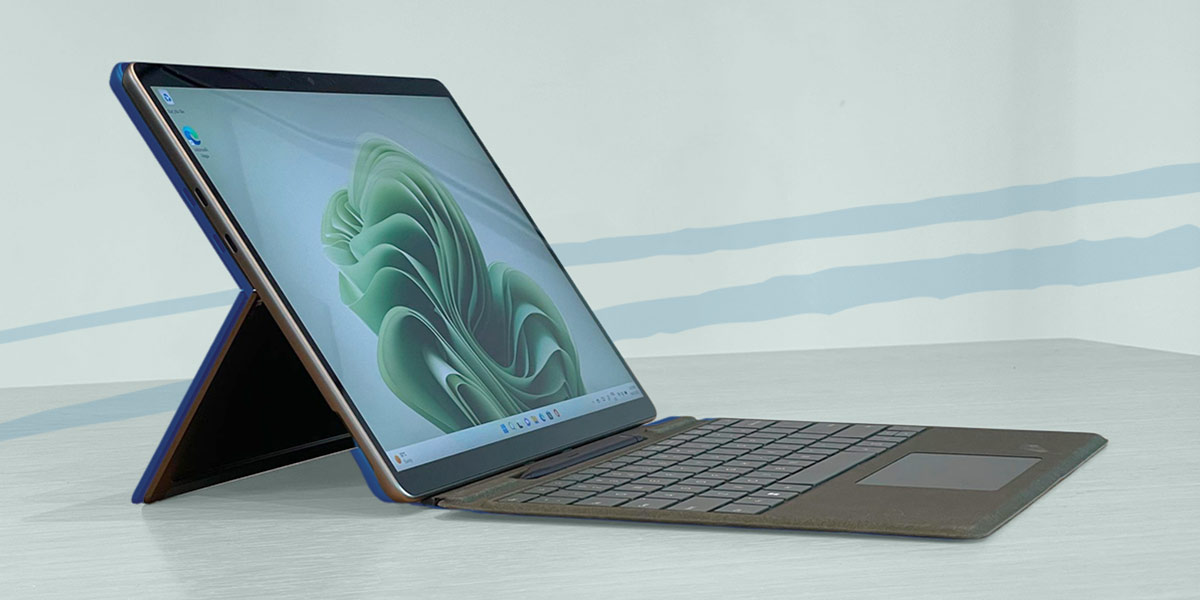
The Microsoft Surface Pro 9 and Laptop 5 are sleek, stylish devices that are the perfect tools for your upcoming studies.
We’ve compiled some neat ways to show you how to reach your max potential with your laptop before your classes even begin.

1. Kick goals with a personal planner.
This year, make Microsoft OneNote your new best friend to help you not only organise your work, but plan the year ahead.
For your studies, you can add a Notebook in OneNote to create ‘Sections’ for each class and add pages to each section to create the ultimate virtual workspace.
The app allows you to brainstorm and let your creativity go wild by having the ability to type, draw, record audio and video, attach files practically anywhere on each page.
This makes it a great tool to use as a personal journal too – set goals, make checklists, sketch ideas… the possibilities are endless.
2. Read and annotate to your heart’s content.
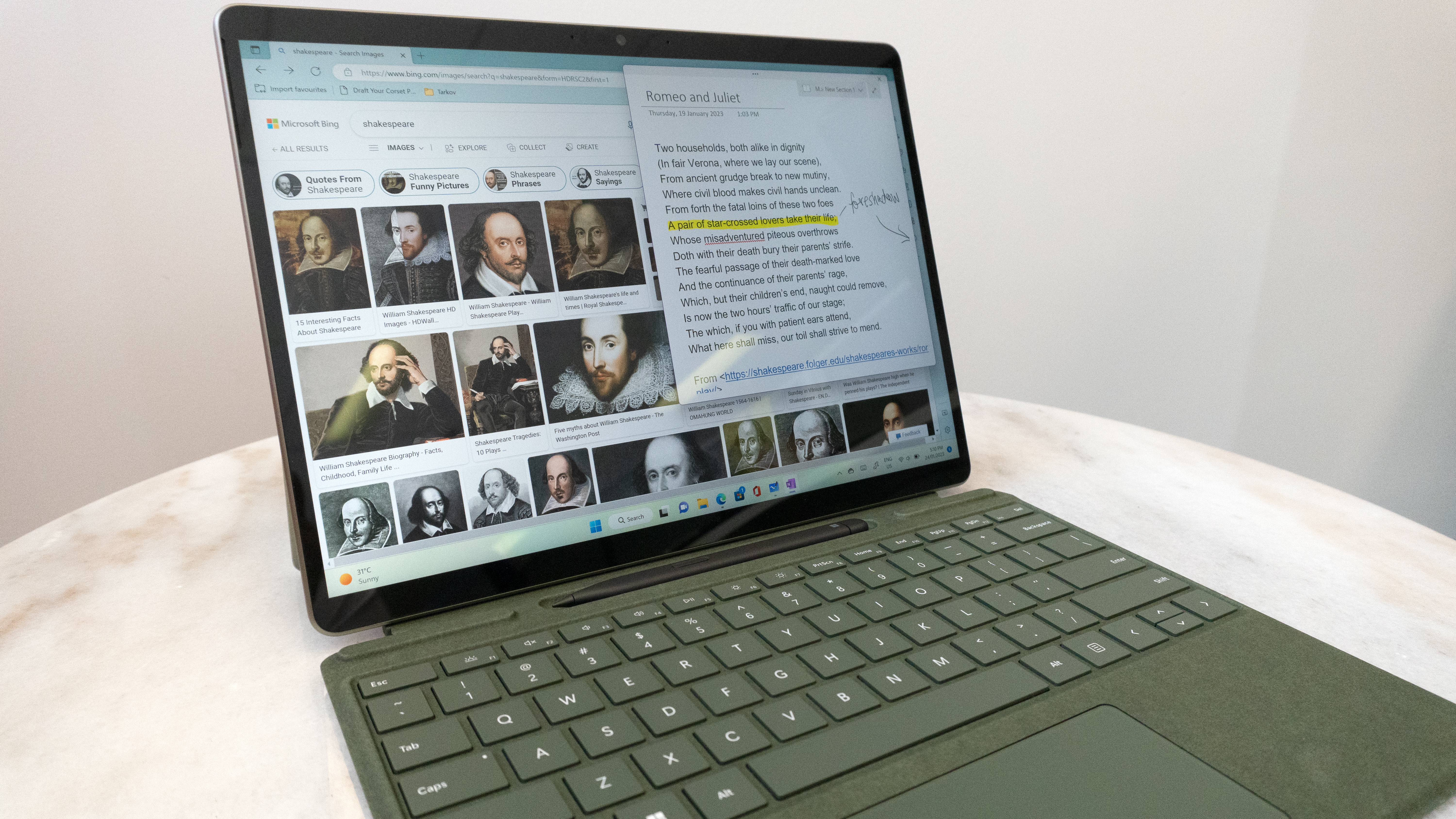
Online textbooks and worksheets have never been easier to work with. Forget those heavy textbooks - use the Surface Pro 9 and Surface Laptop 5 to scroll, zoom and highlight your work at your fingertips.
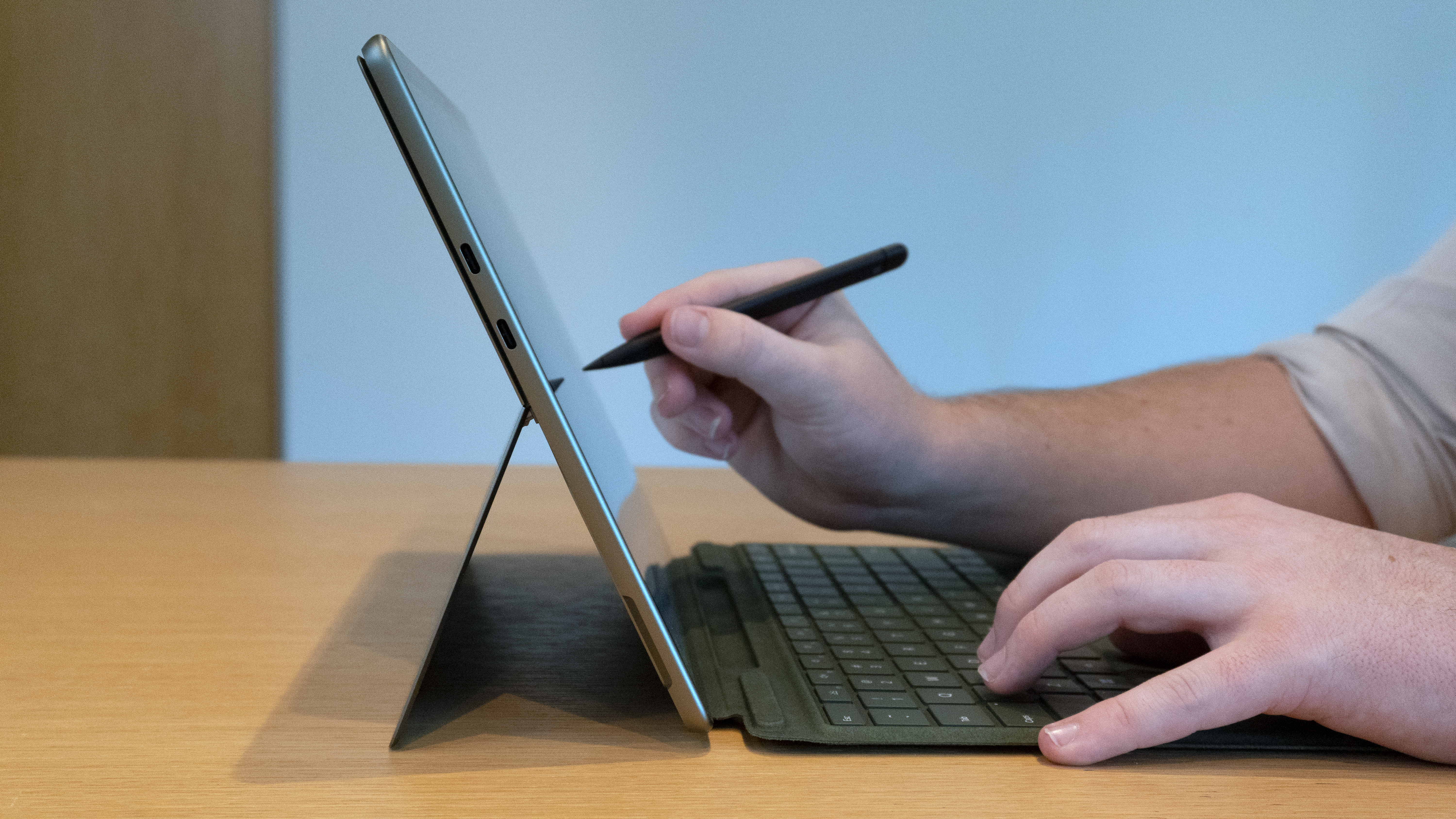
If you have a device like the Surface Pro 9, you can take your annotations to the next level using the Surface Slim Pen 2. The full touchscreen allows for an incredibly smooth and comfortable writing experience.
Paper? Overrated.
3. Collab with classmates on-the-go.
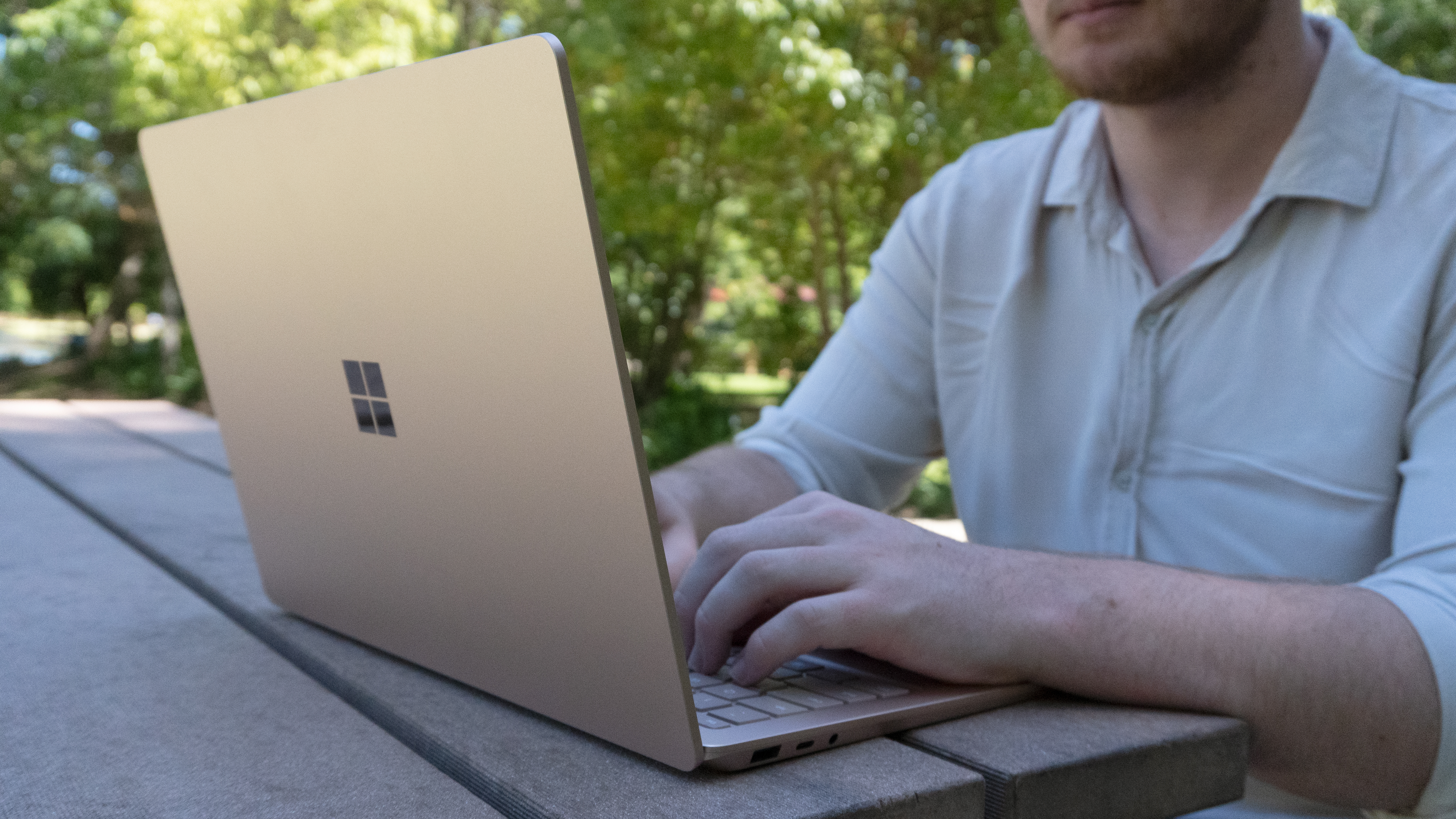
Need to have a study sesh from the comfort of your own couch? Connect with your classmates and exchange files and ideas using apps like Microsoft Teams.
Surface Pro 9 and Surface Laptop 5 have an integrated webcams and inbuilt mics you can use, which comes in handy when it comes to quizzing your mates, practicing group presentations (*groan*) or giving your friends an impromptu drama performance.
Have it propped up in the kitchen and watch a video while you cook, or cosy up in bed and draw to your heart’s content in tablet-form – the Surface Pro 9’s adjustable kickstand allows you to use the device as either a classic laptop or a tablet, giving you the freedom to setup your workspace anywhere you want, however you want.
4. Don’t sleep on Microsoft Whiteboard.
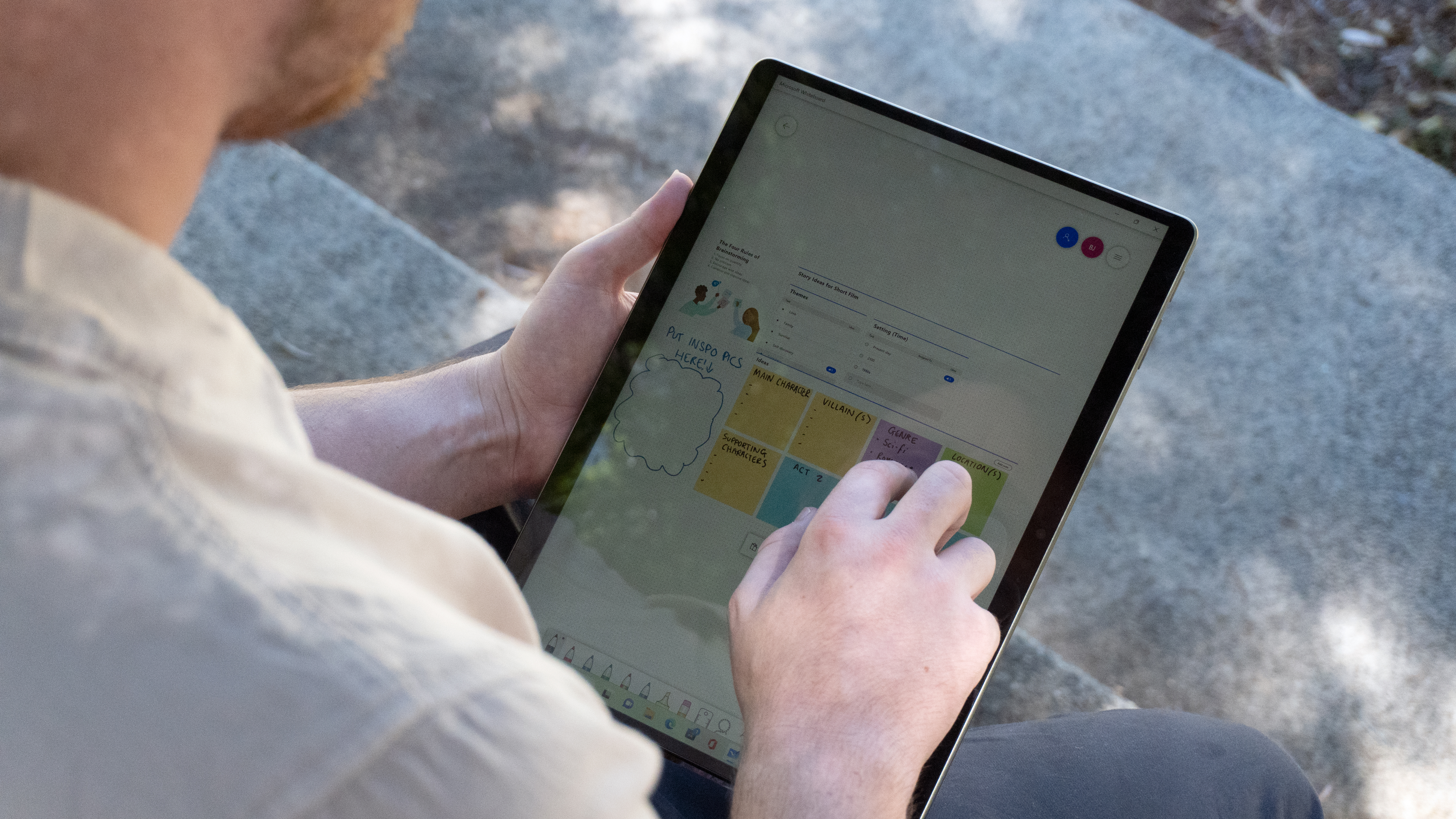
If you’re more of a visual learner and would rather write or draw your ideas down, you can work with your classmates in real-time using the Whiteboard app.
Layer the whiteboard with sticky notes, images, documents and text to create a visual masterpiece which you can later export and refer to later.
5. Keep that desktop tidy.
It can be really exciting setting up a new device, which can make it easy to get carried away when it comes to downloading new applications and any files you need to get started.
Pin apps you’ll use the most this year into your taskbar – it’ll save you time searching for it and help you get to work faster.
Keep any shortcuts or documents that find your way onto your desktop in folders to avoid any unnecessary clutter.

There are so many ways that you can use your laptop to help you prepare for the school year and organise your personal life.
Grab the new Microsoft Surface Pro 9 and Surface Laptop 5 here to do it all and more this year. Buy now at JB-HIFI*.
*Available at all major retailers.
Images: Student Edge
Topics
Ref: b13f6cff-0272-46a8-af76-af8f0017b98d



Comments & Feedback
Share your opinion
Emoji cheatsheet Formatting Comment guidelines