Here's How to Shoot With Timed Finishing in "FIFA 19" (Because It's Trickier Now)
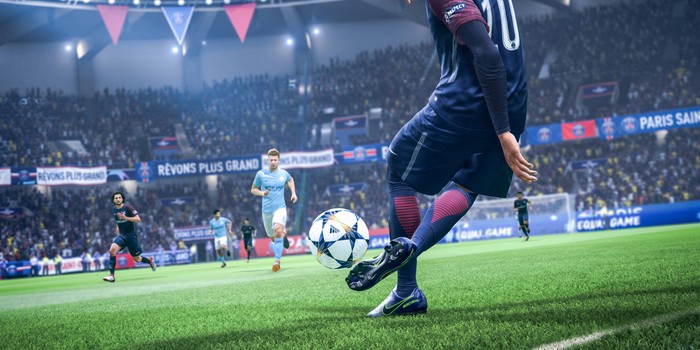
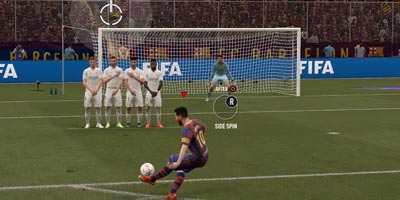
Get ready to learn how to shoot like Neymar in FIFA 19.
FIFA 19 has just hit stores and like every yearly release, a few of our beloved gameplay mechanisms have been altered.
This year's release has focused on rejigging the shooting mechanism, adding a new feature called Timed Finishing, which will take a bit of practise to get used to.
First off, the old shooting system hasn't actually been replaced so not all is lost if you're a traditional. If you don't want to bother with it (and this article), you just have to go to Controller Settings and select Off for Timed Finishing. Easy. You are now dismissed.
But, if you want to embrace the new and, frankly, more frustrating challenging way of FIFA, let's get you on your way.
Power over timing.
Before you even activate the new feature, you'll have to make sure you've got the correct amount of power. That's indicated by the power bar, which increases for however long you hold down the shot button for (O for PS4 and B for Xbox One).
If you're inside the box, two bars of power is usually the sweet spot whereas three bars is more appropriate for those dicey out-of-box shots.
Power, like every other year's release, is still the most important aspect of shooting so don't forget to lift that shot finger up as soon as you have enough power.

Direction is still crucial.
Even if you timed the power bar perfectly, your shot will mean nothing without good direction. It's a bit of a no-brainer but given that power and direction are done simultaneously in less than a second, you'll need lightning reflexes for this one.
Luckily for us, we generally tend to strike in the direction we're running so just double check your shot's on goal or face the absolute shame of it all.
What even is Timed Finishing and when should I use it?
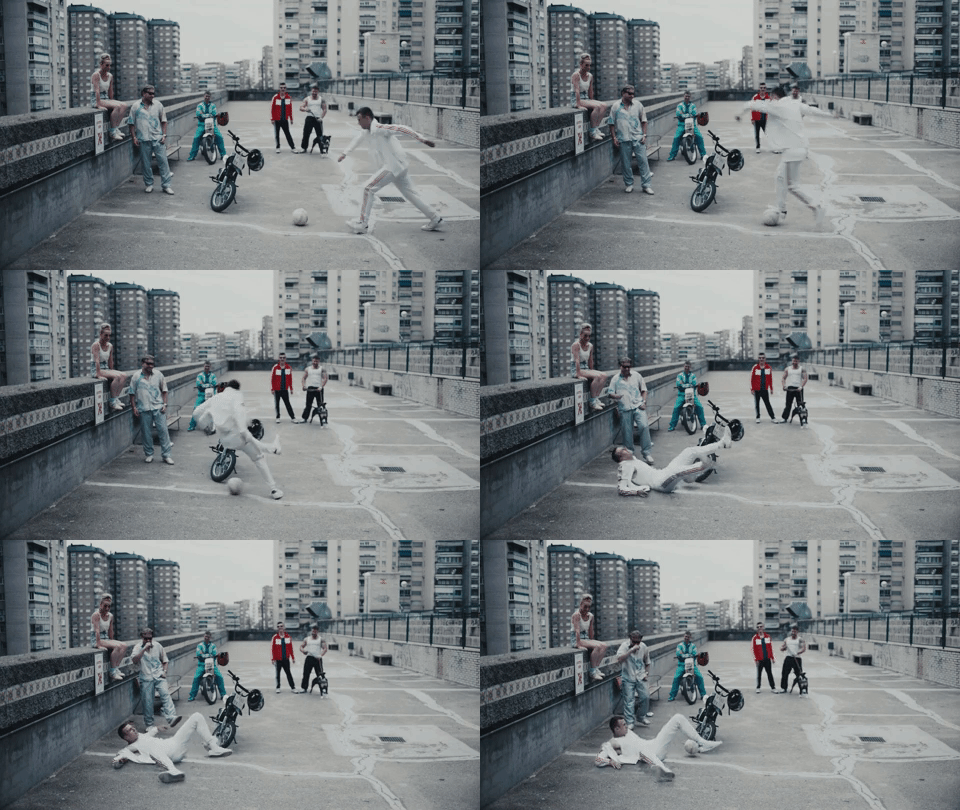
So, Timed Finishing is a neat little addition to the shooting mechanism that gives your shot extra power and accuracy... when executed correctly. You time it too early? Your moment of glory will fizzle. Time it too late and it'll just play out like a regular shot.
It's because of this finickiness that Timed Finishing should only really be used when attempting to score a goal from difficult areas, like outside the box or tough crosses. Pull out your regular goal-scoring moves when you have clear and easy shots.
Get that double tap right.
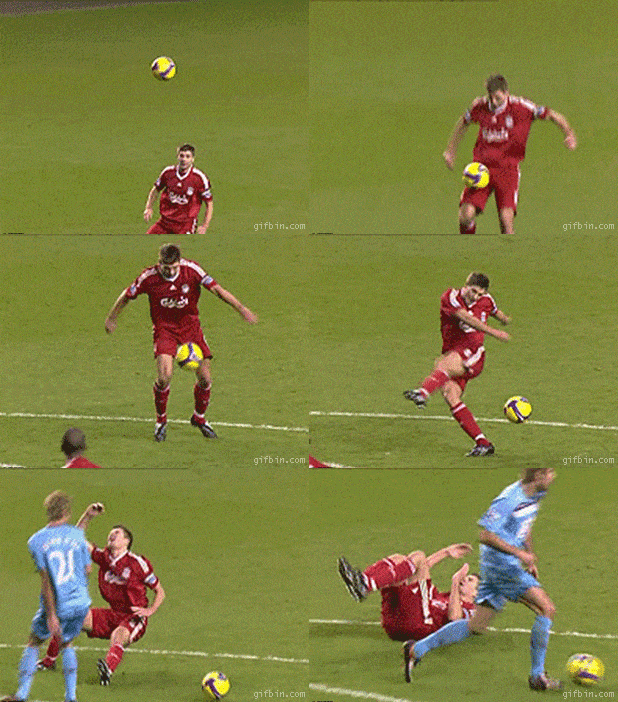
Timed Finishing can be activated after you request to shoot, or even while you're dribbling. Once you press your shot button (O for PS4 and B for Xbox One), and if you have your trainer on, a meter will appear. That meter is fairly simple to follow; wait for the two little white bars to meet in the centre where the green is and you'll score a screamer of a goooooooooooool.
If you tap the shot button too early, while the bars are in the red, you'll probably miss the shot. Press the shot button after the bars meet in the middle? You won't be penalised but your shot will revert back to a regular one.
If you don't have the trainer on (because you're a masochist), then try to press the shot button just before your player connects foot to ball and you should be fine.
Pretty simple at the end of the day, just as long as you decide all this within a second while three defenders desperately try to get the ball off you.
Okay, there we are. Are you now ready to try out your new first-class skills?
FIFA 19 is out in stores now on PS4, Xbox One, Nintendo Switch and Windows. Make your own FIFA Ultimate Team today.
Header Image: EA Sports





Comments & Feedback
Share your opinion
Emoji cheatsheet Formatting Comment guidelines