How to Take the Best Social Media Pictures This Summer

Your grid has never looked better ✨
This article is presented in partnership with Vodafone.
The clouds have parted, the sunscreen is out and Christmas is on the horizon. Which can only mean one thing: summer is coming.
If you’re excited to capture some summer memories to post on social media, we gotcha.
It’s all about making those IG photos go from a five to a 10. And it’s super easy on the latest and greatest Android devices. Not only do they come with epic cameras, helping you get the perfect shot every time, there are epic new AI features making photo editing a breeze.
Here are some tips and tricks on how to use the different photo editing tools available on Android thanks to our friends from Vodafone.
Magic Editor.
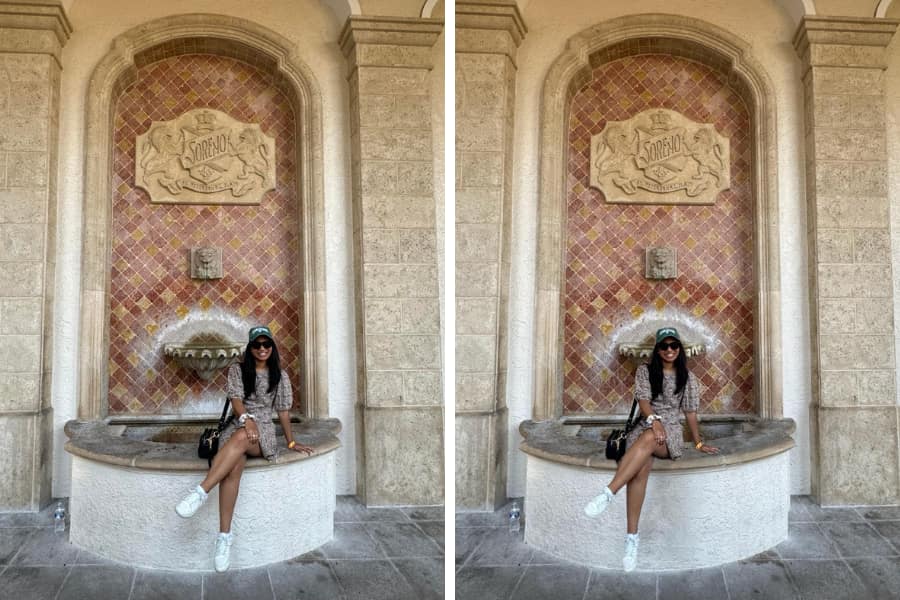
Photography buffs among us will know that editing photos on your phone can be a lengthy and annoying process. But with the Magic Editor tool, you can easily reimagine a photo you take on your phone itself with custom edits.
Try custom edits like improving the lighting or background or you could move objects and people around in the photo.
You know that holiday snap of you in front of the Eiffel Tower? Except you’re just a bit off? Now you can move yourself so you’re in just the right spot.
Magic Eraser.
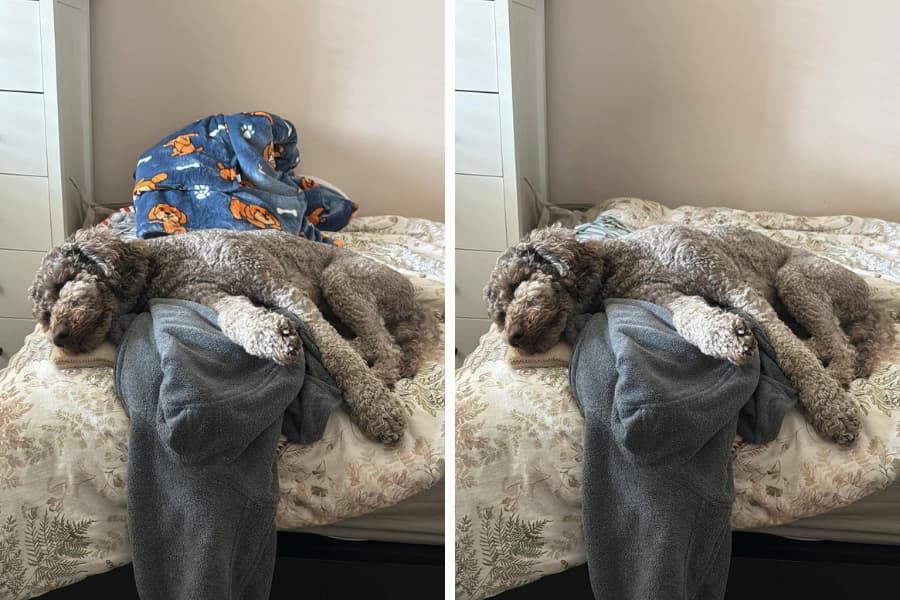
Have you ever taken the best photo ever? You know the one. It’s of you and your friends at the beach. You’re looking effortlessly cool, like there’s not a care in the world.
Oh, but wait, in the background someone’s child is grinning holding an ice-cream.
And while you have nothing against kids or ice cream, you don’t want the child in your photo.
If you use the Magic Eraser tool on Google Photos, you can tap the person or object you’re trying to get rid of and it’ll automatically delete them.
Photo Blur/Unblur.
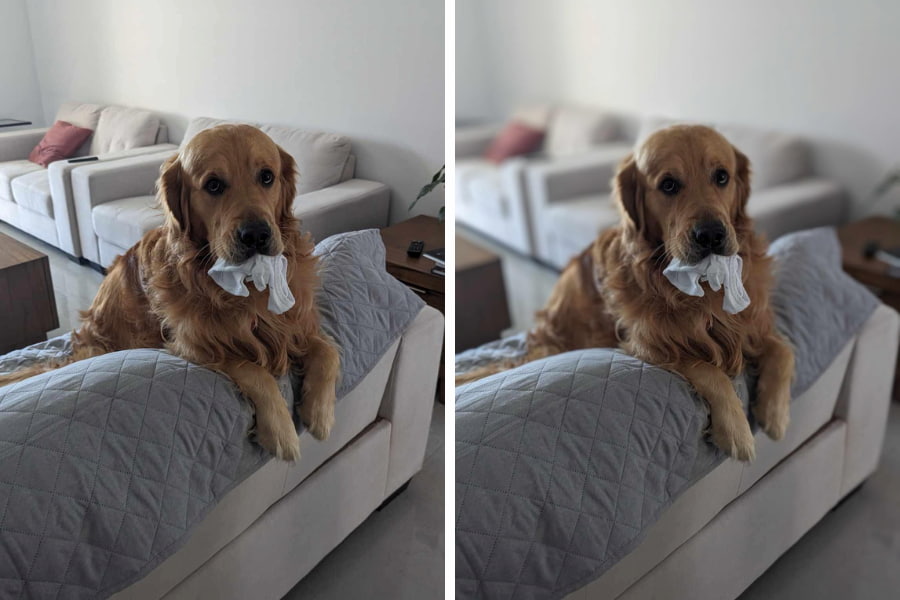
Sometimes the blurry look in photos can be a vibe. But sometimes it can ruin a wholesome family photo.
With the unblur feature, all you have to do is tap the button and you can choose how much you want to unblur a photo.
You can also choose the option of blurring a background so the object/person in the foreground stands out.

If you want your summer photos to look the best they’ve ever looked, there's never been a better time to grab yourself a great deal on Android from Vodafone.
Android, Google and Google Photos are trademarks of Google LLC. Magic Editor and Magic Erase requires compatible device and Android 8+. Requires Google Photos app. May not work on all image elements. Feature availability varies by device.
Topics
Ref: d5a5a7c5-2924-4cec-90c8-b2220061b8b1






Comments & Feedback
Share your opinion
Emoji cheatsheet Formatting Comment guidelines