What You Need for Your First Day of Classes in 2026
New year, new gear 🖱️
This article is presented in partnership with Logitech.
2026 is the new 2016!
But it doesn’t mean your tech needs to be from 2016.
Starting a new study year means a lot of new things. New classes, new teachers/lecturers, new textbooks. But most importantly, new tech.
We don’t know about you, but we always feel a sense of childlike glee when we order tech for the new study year.
If you’re starting your year at school, uni, or even work - we’ve picked out a few Logitech tech products you’ll want to have on your desk this year.
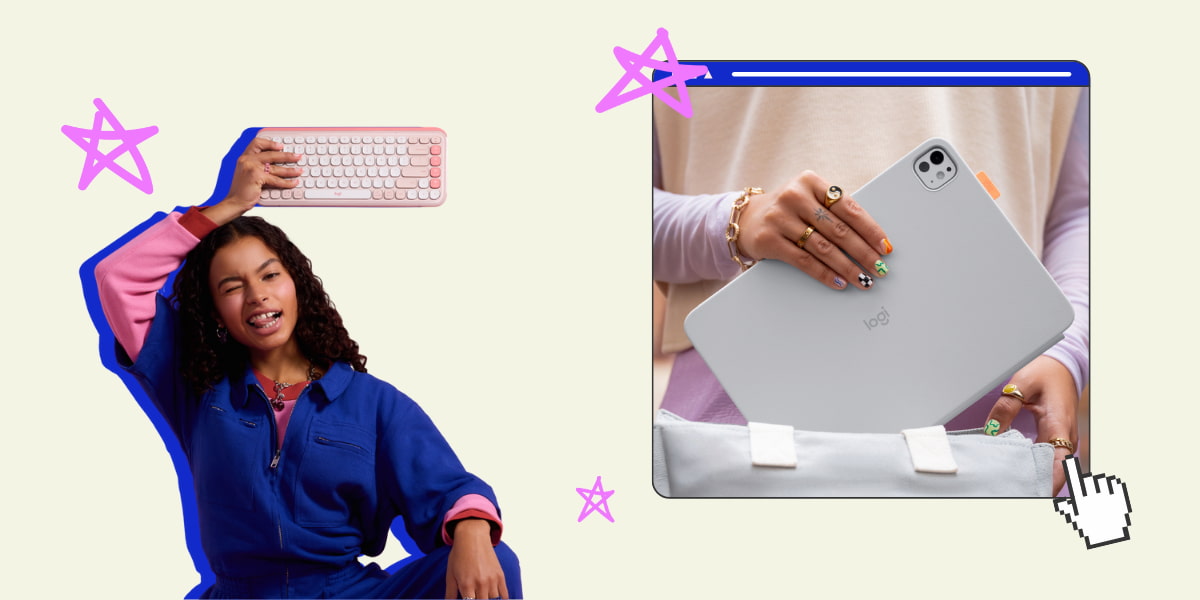
Logitech POP Icon Combo.
Even if you weren’t looking for a new keyboard and mouse combo, these are two products you’ll want to add to your cart ASAP.
The Logitech POP Icon Combo is a duo that adds an extra pop to your desk in a stylish, compact manner.
@anica4444 Enhancing my work flow with @Logitech POP Icon Keys and @goodcitizens sunglasses ⌨️🌷🌞 The perfect companions for elevating my work space and productivity - providing both functionality and beautiful design. This keyboard is thoughtfully created with recycled plastic, quiet typing, and Smart Action keys for seamless shortcuts. Good Citizens sunglasses provide both style and sustainability, as each frame is made from a recycled bottle. #ad #PopIconCombo #PopIconKeys #PopIconMouse ♬ original sound - anica holm
As someone who uses this mouse daily, we can confirm it’s both comfortable and highly functional.
It’s Bluetooth connected, aka you won’t lose the dongle, and it can connect to up to three different devices. Which is especially useful when I’m going in between my work and personal laptop.
The keyboard is just as vibrant, and the contoured keys make it so satisfying to type with on the daily. There are also four shortcut keys you can personalise. With one button push, you could open your fave app, launch a program or even type an emoji.
Flip Folio.

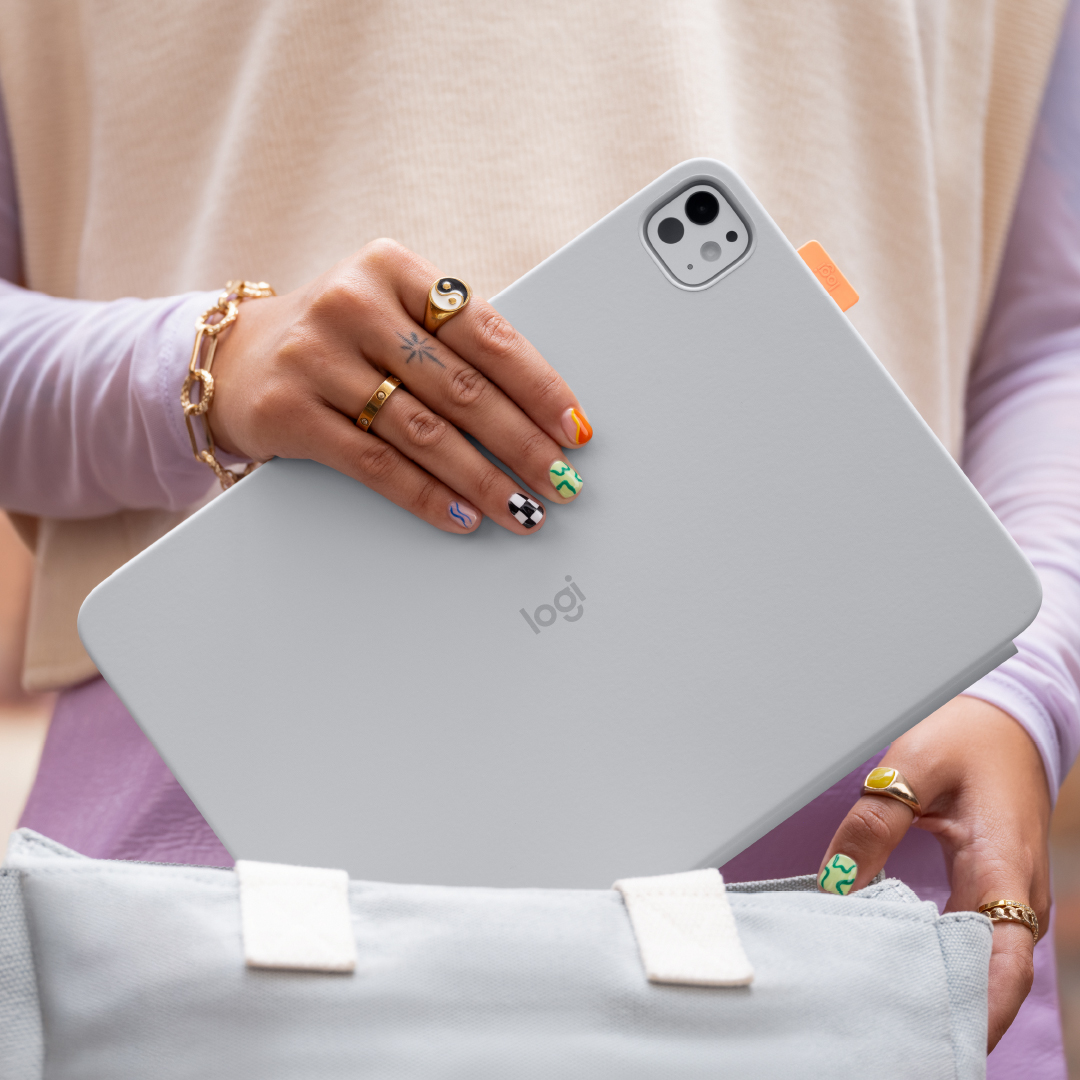
The Logitech Flip Folio is every student’s tech ‘bread and butter’. Why?
Because it’s perfect for going from class to the library to meeting up with friends to studying at a café.
If you are not a laptop person and prefer using an iPad, just snap your device into place magnetically, adjust the kickstand to the angle you need and get to work.
You can pair up to three Bluetooth devices and switch between them using the easy-switch keys.
It’s flexible to the way you work and where you’re going.
If you haven’t bought your Logitech gear for this study year yet, don’t be last to the party.
Check out the Logitech POP Icon Keys Combo and the Flip Folio for back to school.
Topics
Ref: e9d91fc8-23fa-41d4-9732-b3d8000d9c15





Comments & Feedback
Share your opinion
Emoji cheatsheet Formatting Comment guidelines