How to Understand Your First Internet Setup
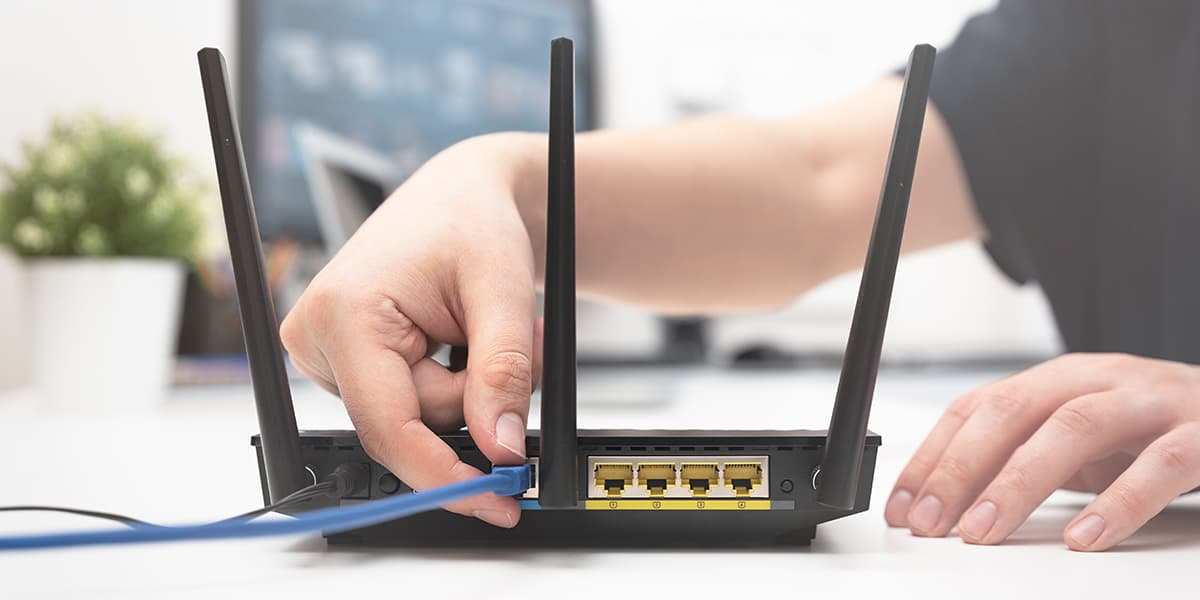
All the ins and outs of your internet connection.
This post is presented in partnership with MATE internet and mobile.
While becoming an adult is undoubtedly super exciting, there are so many things that simply don’t make a lot of sense at first. One thing that comes to mind: when you go to set up your first internet connection after moving out of home.
Unfortunately, you don't get taught about your internet connection at school, so it can be tricky finding the right internet provider, a decent plan and how to set it up.
What exactly is good internet speed? What does bandwidth mean? What on earth is a modem?
Let's break it all down.

So, how does internet speed work?
Your internet speed is a super important thing to keep an eye on. That way, if you suddenly lose connection or find that some web pages are taking forever to load, you can check your internet speed to help you understand what might be going wrong.
Your internet speed is all about how much "volume" of data is being transferred through a connection in a certain amount of time.
If you, your siblings and your parents are all hogging the internet simultaneously, the internet can often be slower, because there is less data available to share.
For example, a speed test could calculate that your connection downloads an average of 30 megabits of data to your device per second, which would look like 30Mbps.
If you're still a little lost because you're not quite sure what a megabit is, it is a unit of data size equal to one million bits (kind of like when you measure length or volume).
Knowing what number of megabits per second your connection is capable of for both downloading and uploading will determine your connection speed.
You can check this by using speed test apps or websites such as SpeedTest.net. For the best accuracy, it's best to ensure any speed tests are performed in isolation—this means disconnecting or disabling any device connected to your modem/router and using a laptop or PC via an Ethernet cable to your modem/router, rather than a Wi-Fi connection.

Wait, what is the difference between download and upload speeds?
We thought you'd never ask!
When you perform a speed test, you will notice that you get two numbers as results: one for download speed and the other for upload speed.
Essentially, download speed is the pace at which data travels from your internet to your devices. This includes loading web pages, streaming music and buffering YouTube videos.
On the other hand, upload speed is the exact opposite. This is the pace at which information travels from your device to the internet.
The reason why upload speeds are always so much slower than download speeds is that consumers generally download way more content than they upload, so most internet connections are catered to prioritise downloads (unless you're constantly uploading TikTok videos, of course).

Got it. So, what does bandwidth mean?
When we talk about internet speed, the word "bandwidth" often comes up. However, it’s not exactly the same as speed, even though the two terms are often used interchangeably.
Bandwidth refers to that "volume" we mentioned before. Basically, it’s the capacity of an individual internet connection.
Some internet providers offer internet plans with lower or higher bandwidth by describing their services as being able to reach "up to" a specific speed. For example, you might see an nbn 25/5 plan, or an nbn 100/20 plan—these numbers usually refer to the download and upload speeds of the plan.
The higher the bandwidth, the higher capacity your internet has to be fast, but that doesn’t mean that your connection will always be at its best. We’ve all experienced a FaceTime call with a dodgy connection.

What’s the difference between a modem and a router?
If you've ever heard someone talking about setting up their internet connection, you've probably heard them mutter the words "modem" and "router". Much like internet speed and bandwidth, these two often get confused.
The one you'll want to know to actually get an internet connection is the modem. This is usually a box or connection device that connects your home network to the rest of the internet.
It's short for modulator-demodulator, and it allows your router to connect to the internet by converting analog signals sent via telephone lines or a cable to digital data.
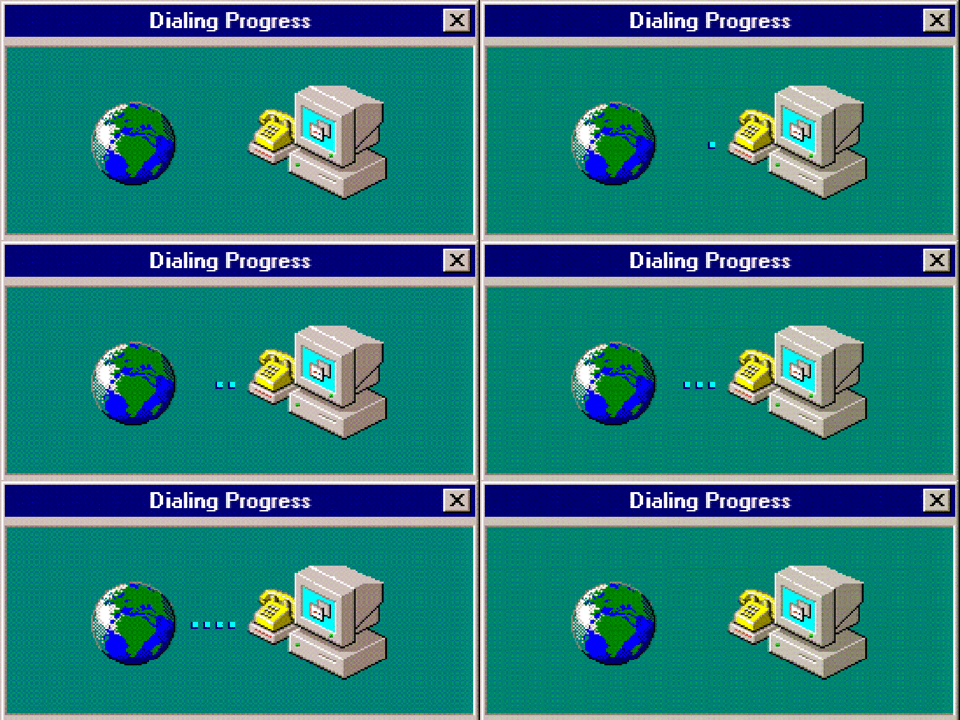
If you're old enough to remember dial-up (and the awful sound), this was the OG way that modems would send information. They would dial up a number via the telephone line and connect to an ISP. That's why you couldn't make a phone call and use the internet back in the '90s'.
A router is a device that communicates between the internet and all the devices that you own. This lets both your wired and wireless devices use the internet connection at the same time.
To put it simply, the router handles traffic locally in your network, while a modem looks after internet traffic.
Many devices these days are modem/routers—these will allow you to get an internet connection and connect your wired and wireless devices at home all in one device.
Right. What about NBN vs. ADSL?
MATE is a 100% Australian owned and operated internet and mobile service provider. They offer customers both NBN and ADSL internet plans for the home.
ADSL is the technology that we've been using for most of the internet's lifetime. It's a broadband service that runs over your traditional copper telephone line. ADSL delivers download speeds up to a theoretical maximum of 24Mbps, but most customers will achieve far less in the real world as the technology relies on how close your home is to the telephone line exchange.
NBN is the national broadband network that the Australian government has been rolling out over the last few years. This uses a range of different fibre-based technologies and is a complete upgrade to Australia's existing phone and internet infrastructure. NBN will affect the vast majority of Australians as it impacts almost all landline phone and internet services.
This allows for much faster internet speeds compared to ADSL. You can find some connections of up to 250Mbps, which will effortlessly cover an entire family.
The only downside is that NBN isn't offered everywhere in Australia just yet, however, the rollout should be completed by 2022.

Okay, so how do I set up my internet connection?
Setting up your internet connection is probably the most difficult or confusing part of starting a new internet service.
The tricky thing is that setting up your modem and router will depend on your exact box and internet provider.
Thankfully, our mates at MATE have a massive bunch of helpful connection guides, both for MATE modems and BYO modems.
They also break down how to connect your service depending on whether it's ADSL, nbn Fibre to the Node (FTTN), nbn Fibre to the Premises (FTTP), nbn Fibre to the Curb (FTTC), nbn Hybrid Fibre Coaxial (HFC) or nbn Fixed Wireless. So, no matter your connection, they've got you sorted.
You can check out all of MATE's connection and setup guides here for examples of how each connection works and the type of devices required.

If you want to become mates with your internet provider and get award-winning Australian customer support for your service, check out MATE's fantastic range of internet and mobile plans on their website.
Header Image: simpson33 via Getty Images
Topics
Ref: 1636df32-e356-4b17-978c-ace900321b98






Comments & Feedback
Share your opinion
Emoji cheatsheet Formatting Comment guidelines