Ditch the Laptop: How the Samsung Galaxy Tab S10 FE Series Can Hack All Your Study Needs
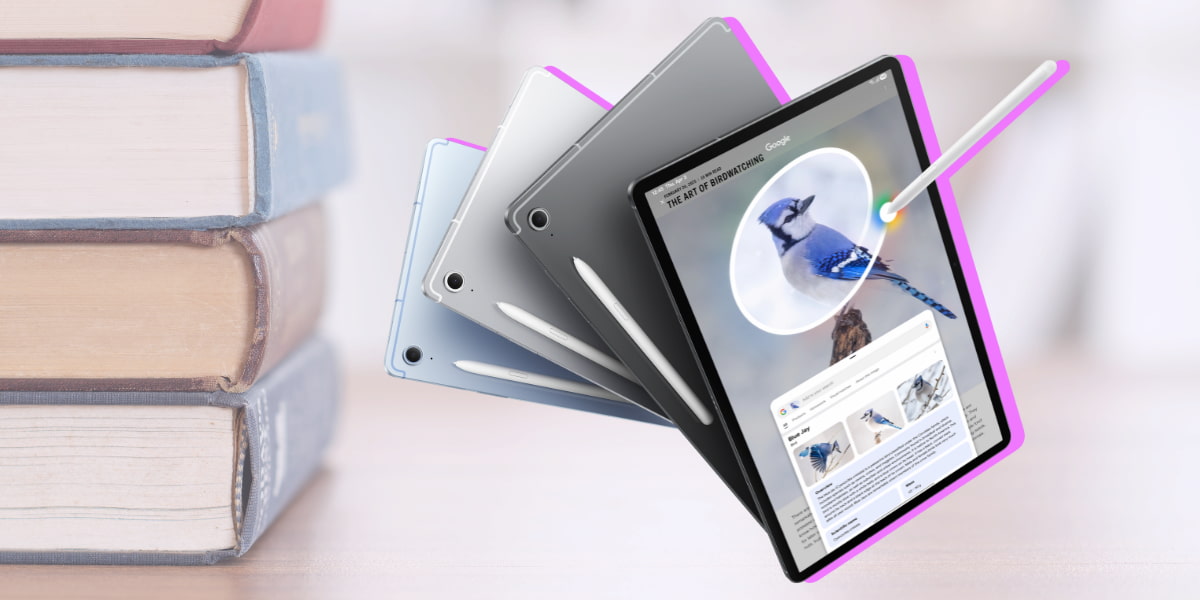
Dragging your laptop to class can be…well a drag.
This article is presented in partnership with Samsung.
Between long loading times, short battery life and not to mention your backpack weighing a ton, your laptop could literally be weighing down your life as a student.
But what if you could ditch the bulk and still use a device that helps you with your study needs?
Enter the Galaxy Tab S10 FE or the Tab S10 FE +.
It has heaps of student features available to use like Circle to Search1, Solve Math2 and Handwriting Help3. Not to mention it’s thin, light and has a new, enhanced display.
Let’s break down why the Galaxy Tab S10 FE Series might just be your new uni essential.
She’s sleek and portable.

As students, we’re always on the move. To class, a cafe on campus, the library, and then all the way back home.
If you don’t want to lug around a chunky laptop, go with something super slim and lightweight like the Galaxy Tab S10 FE. Not to mention taking notes or sketching diagrams with the S-Pen will feel like the ultimate productivity performance.
That way no matter what you’re doing the Galaxy Tab S10 FE Series is the perfect blend of power and portability for day-to-day life. Big things come in small packages.
Use a bunch of intelligent features while you study.

Ever stared blankly at a Word Doc? Or had a trickly math problem that made your brain literally hurt?
With the Galaxy Tab S10 FE Series there are intelligent features like Circle to Search1 and Solve Math2 which can help you with just the snap of a pic. Take a picture of a term from your notebook, circle it and you will get assisted help with the definition.
Or you can get help solving equations with Solve Math2. It works by breaking down the formula so you’re not just getting answers but also actually learning as you go.
When it comes to jotting down lecture notes, Handwriting Help3 will quickly fix up your messy handwritten notes so your notes are clear, polished and ready for revision time.
The display = upgraded.
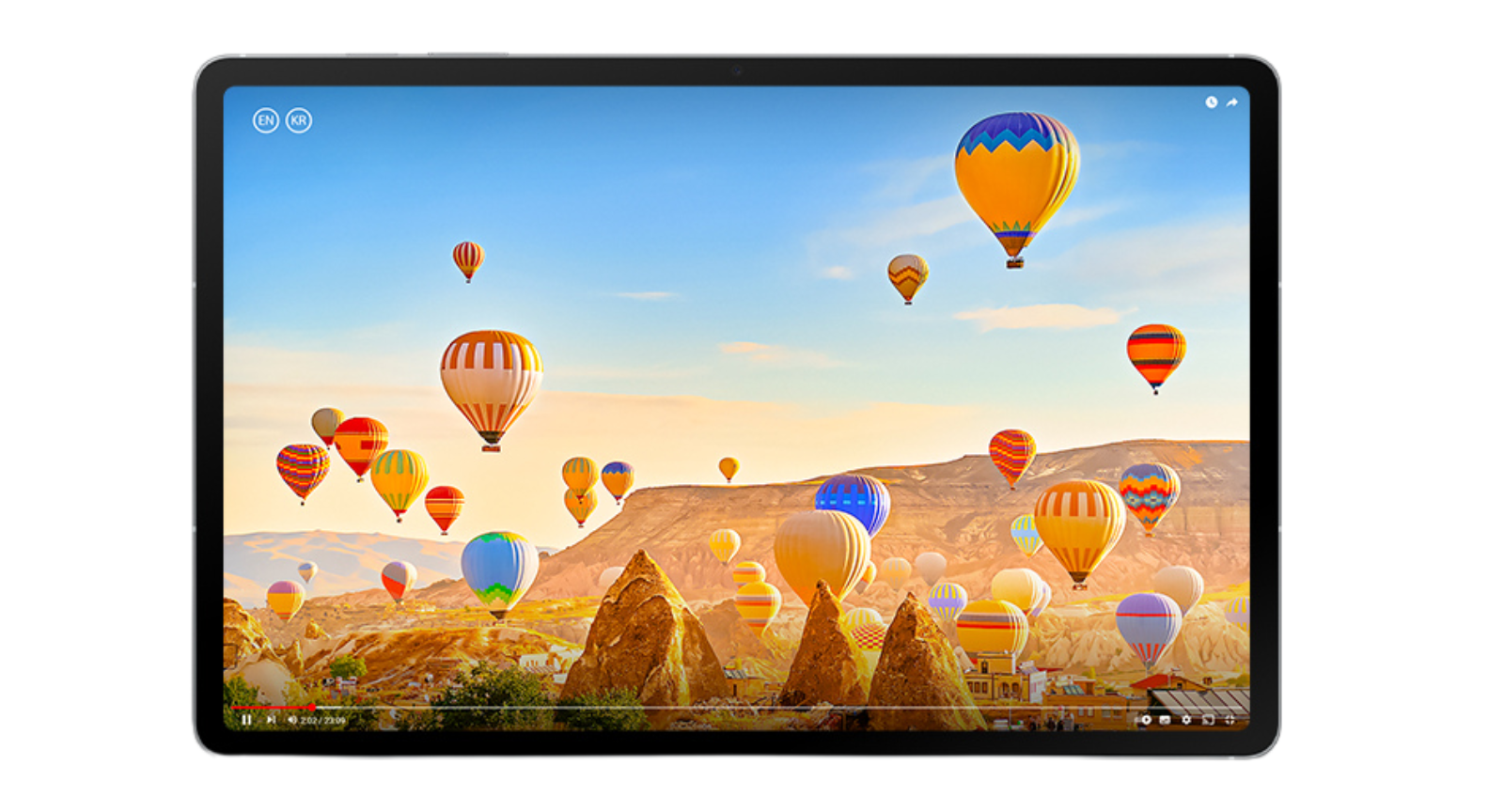 You may think anything less than a laptop means you’d be getting subpar visuals, right? Wrong!
With the Galaxy Tab S10 FE you can take down lecture notes in 4K detail, with vibrant colour and smooth visuals. And because of Vision Booster technology, your screen will stay clear whether you’re in a lab or reading through your notes outdoors.
Vision Booster technology automatically adjusts brightness to keep your screen clear and easy to see, even when you're outside! It also reduces blue light emissions to help protect your eyes – super useful when you've been studying for ages and staring at your screen for hours.
Plus, those high quality visual specs will sure come in handy on your next study break when you need to stream an episode of your fav comfort show to unwind.
Performance that hits, not lags.

Laptop run out of charge halfway through class? Not fun. Especially when you’re smack bang in the middle of taking notes for that upcoming exam.
With the Galaxy Tab S10 FE Series there’s a long-lasting battery life4 engineered to keep up with your day.
Other upgrades in this iteration of the new Galaxy Tab S10 FE |Tab S10 FE + also include an upgraded 13MP rear camera, so you can take a high-quality snap of the notes on the board before the end of class – no matter how far back you’re sitting.

If you’re looking for your next tech upgrade and you need something sleeker, lighter and more efficient, head to your nearest Samsung store with your student ID and you could get the Galaxy Tab S10 FE|Tab S10 FE +. or other selected Galaxy devices 20% off.
Check out the range of Samsung products you could get 20% off here.
Header Image: Circle to Search with Google. Fees may apply for certain AI features at the end of 2025. Image simulated. Product colours may vary. Sequence shortened and simulated. Result for illustrative purposes only. Requires internet connection. May not work on all visual elements. Google is a trademark of Google LLC.
-
Circle to Search is a trademark of Google LLC. Requires internet connection. Mobile data fees may apply. Circle to search feature must be enabled. May not work on all visual elements. Google Safe Search filter applies.
-
Solve Math feature runs on-device and does not require an internet connection, but requires Samsung Account login. Incorrect handwriting recognition may lead to inaccurate calculations. *Solve Math usage requires turning on the feature in Samsung Notes app. To turn on, select 'More Options' menu, then tap 'Turn on Math Solver.
-
Handwriting Help feature runs on-device and does not require an internet connection, but requires Samsung Account login.
-
Typical value tested under third-party laboratory conditions. Actual battery life may vary depending on network environment, usage patterns and other factors.
Topics
Ref: 7c4a71fc-2d8b-4d7b-86d9-b2b90048e810




Comments & Feedback
Share your opinion
Emoji cheatsheet Formatting Comment guidelines