Freelancers Rejoice! Apple is Releasing Their Own Creative Suite Called the Creator Studio
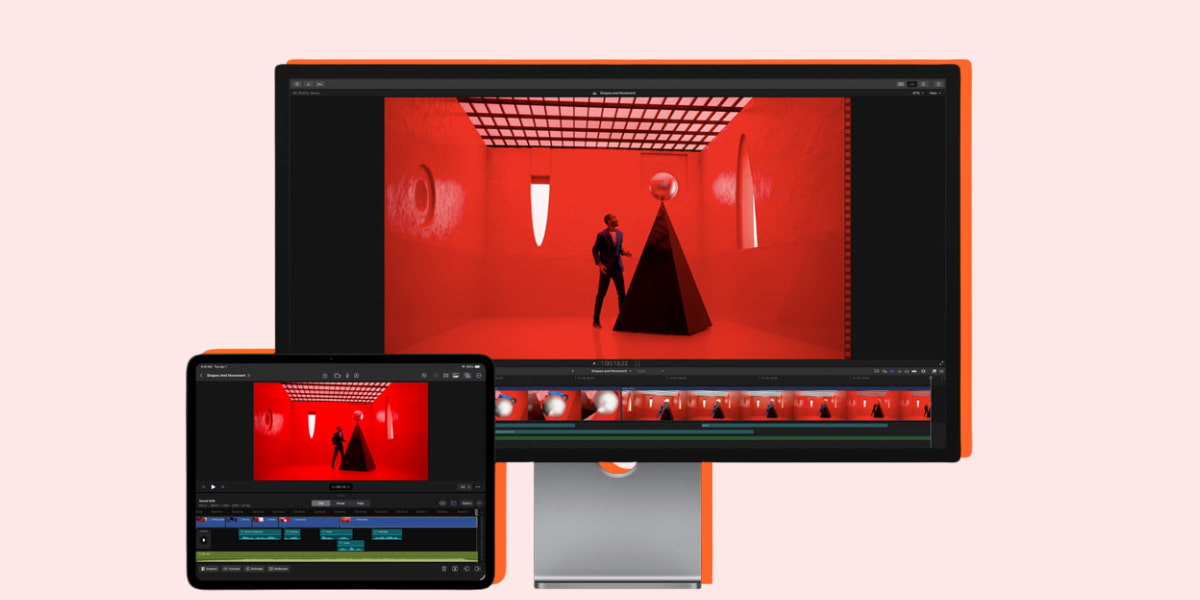
This bundle includes everything you need as a creative 🙌
Anyone who works in any creative field knows that Adobe has been running the editing and design game for quite a while with their products like Photoshop, Illustrator, Premiere Pro, After Effects and more.
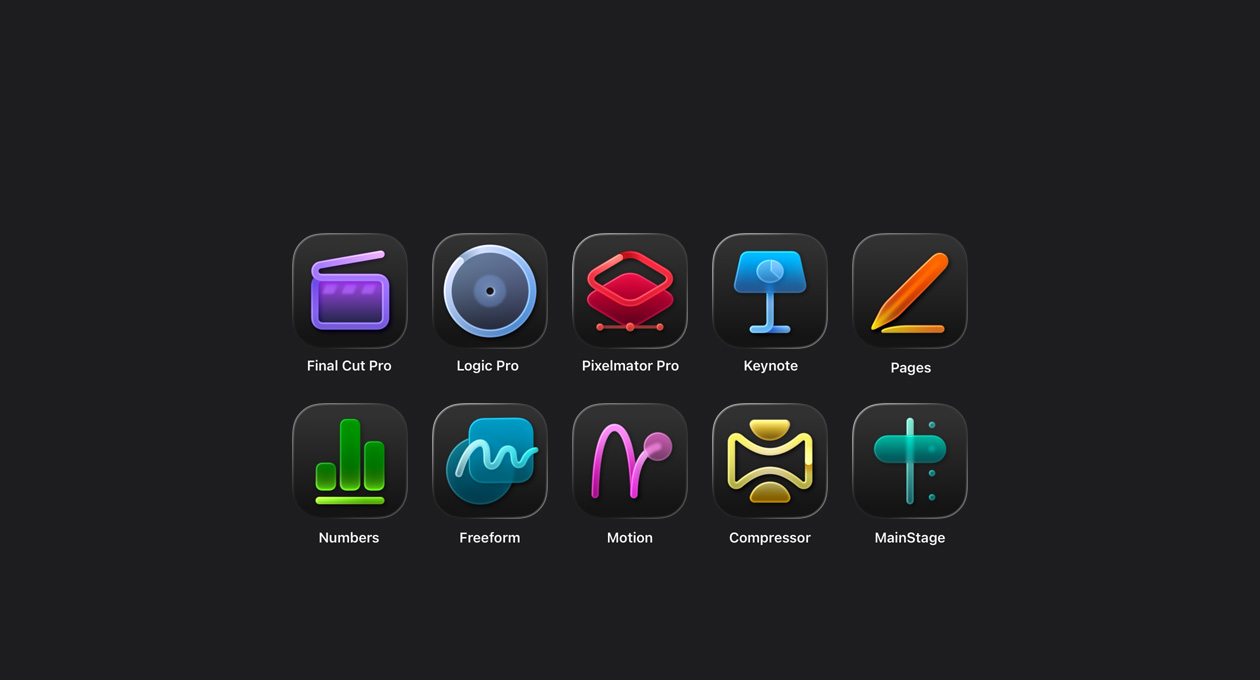
However, Apple has just recently launched their own creative suite that include ten different programs.
It includes Final Cut Pro, Logic Pro, Pixelmator Pro, Keynote, Pages, Numbers, Freeform, Motion, Compressor and MainStage.
All of these programs also utilise Apple’s AI called Apple Intelligence to speed up your workflow.
The Apple Creator Studio launches on 28 January.
You can get one month free and then $12.99 a month or $129 a year after your free trial.
Students and educators can get a month free and then pay $2.99 a month or $29.99 a year after their free trial.
Plus, new iPad or Mac purchases come with a three month free trial of the Creator Studio products.
What can I use the editing softwares for?

Final Cut Pro
This tool is pretty similar to Premiere Pro, allowing you to edit audio, video and create motion graphics. You can also colour grade footage, with advanced audio editing available.
This app can be synced across all your Apple devices and also includes a library of titles, transitions, soundtracks and effects.
Unfortunately, none of these programs nor the Creative Studio can be used on Windows devices. This is strictly Apple business.
Through utilising AI, it also has features like Beat Detection, Object Tracker to automatically track movements of a subject, automatic captions and more.
Pixelmator Pro
Pixelmator Pro makes it easy to edit images and create striking graphics across your Apple devices. It’s packed with powerful AI features that build on Apple Intelligence, and it works with the other apps available in Apple Creator Studio.
This is used primarily for creative video editing and graphic design, with a similar layout to Photoshop.
Logic Pro
Used for making beats with a massive Sound Library that can be used across Mac and iPad. Perfect for aspiring music producers, DJs or artists that want to grow their sound.
MainStage
Speaking of music design, you can use MainStage to turn your computer into a live performance rig. This allows you to use studio-quality sounds, software instruments like synths, pianos and drums with effects like amps, pedals and reverb.
You can play backing tracks, create “patches” that combine multiple instruments and effects, plus you can use it with Logic Pro.
Learn more about everything this creative package has to offer.
Topics
Ref: 4159bcf6-ebfc-497b-b5f6-b3e000702f87






Comments & Feedback
Share your opinion
Emoji cheatsheet Formatting Comment guidelines