TikTok Just Added Automatic Captions to Videos and We Love It
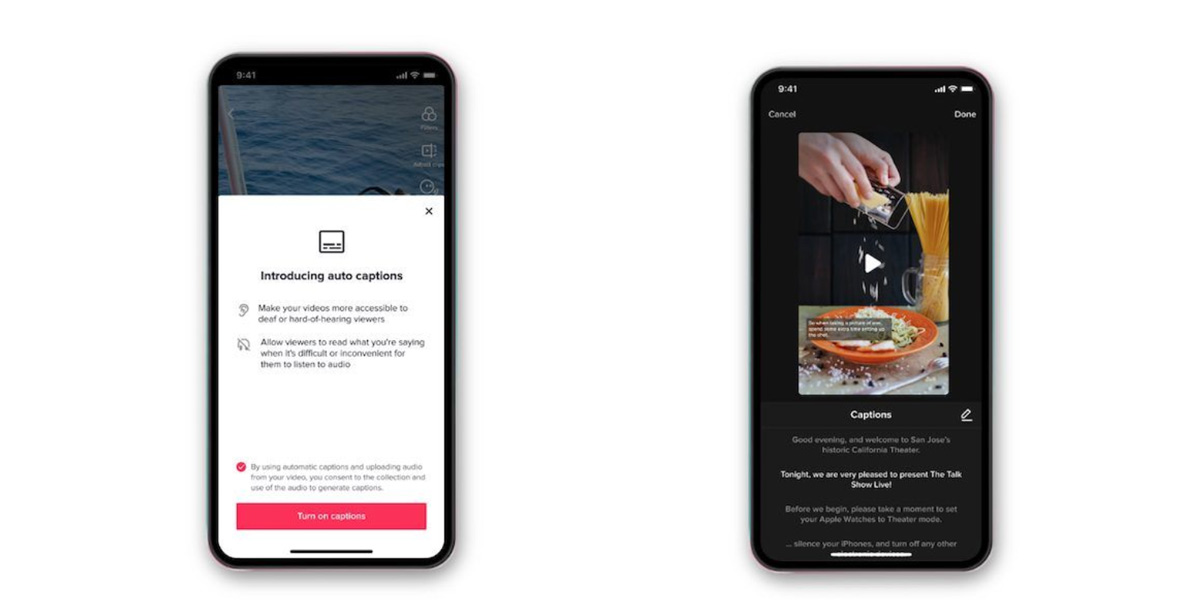
Wave goodbye to CC stickers.
It’s been a long time coming but TikTok have finally announced that automatically generated captions will be available on the app.
The move by TikTok is an attempt to make video content more accessible for everyone, particularly for people who are deaf and hard of hearing.

This new feature is a part of TikTok’s wider investment in making the social media service available to everyone.
“Our goal at TikTok is to be accessible to all people,” said Stephanie Hind, Manager of Operations and Creator Management at TikTok US.
“By working with organisations like The Deaf Collective, we aim to increase awareness towards the range of diversity, talent, and conversations being had in Deaf communities.”
This is awesome - I had downloaded an app and created captions, which are generally considered a standard must-have on most TikTok vids now, but auto-captions will be so much faster and easier! https://t.co/WMyipVHU0x
— Candace Shaw (@candaceshaw) April 6, 2021
Initially the new feature will be available in American English and Japanese, but more languages will be added in the coming months.
The social media company also said it is a convenient feature if you are watching at a time when it’s difficult to listen to audio. (That one’s for all you late-night scrollers.)
For those wondering how to access the new feature, an 'add auto captions' button will appear in the editing page after a video has been recorded or uploaded.
Once selected, text will automatically be transcribed and displayed over your video.
Beyond this, you can edit the captions once they’re generated because hey, all new kinds of tech tend to freak out at the start.
For viewers, captions added by a creator are part of the video content. You can turn them off by opening the share panel, tapping the captions button and setting captions to off.
Gotta admit, we love it.
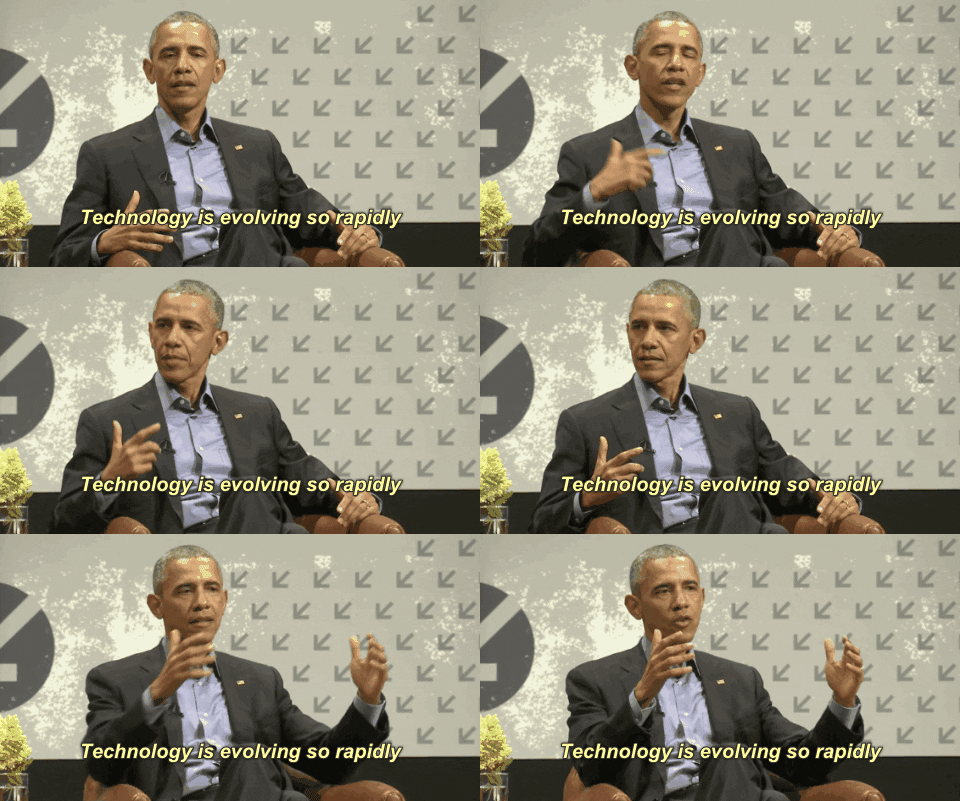
This new caption feature is just one of many new changes TikTok have brought in to increase accessibility. Last year they implemented a photosensitivity feature that allows users to skip photosensitive content which can trigger epilepsy.
Dayum TikTok, you are killin’ it.
Header Image: TikTok






Comments & Feedback
Share your opinion
Emoji cheatsheet Formatting Comment guidelines