How to Upgrade Your Desk and Productivity with the Logitech MX Master 4 Mouse
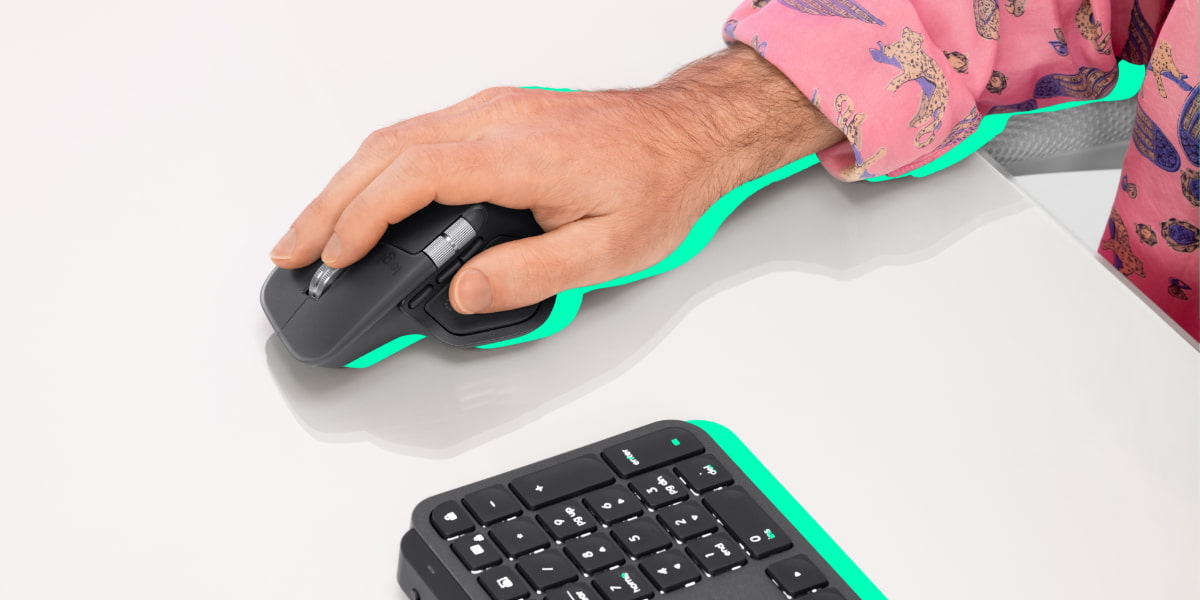
The all-in-one mouse to keep up with your student workload
This article is presented in partnership with Logitech.
The Logitech MX Master 4 mouse is a wireless mouse perfectly designed for your next creative project or assignment. Featuring customisable haptic feedback for tactile control, a new Actions Ring for shortcuts, quiet clicks and multi-device flow for seamless cross-platform use.
If you’re a student looking for the perfect study device to upgrade your workflow, this is the mouse for you.
So, what are the features of the Logitech MX Master 4 that make it so special? 🤔
Check out even more of the exclusive features available and watch the MX Master 4 Mouse in action below.
Haptic feedback
Feel the precision of every scroll and click with the new haptic feedback feature. Control it to exactly how much feedback you prefer or you can even turn it off if it’s not your style.
How does haptic feedback work with the apps I use?
In Photoshop:
- Snapping with alignment guides
- Min/Max values reached when using an adjustment slider
- End of generative fill process
- End of latched perimeter
- Content-aware move tool completed Smart selection completed.
In Premiere Pro:
- Playhead aligns with Clips or Keyframes
- When you are about to drag an effect on a clip
- While hovering on the playhead with Razor Tool
- Clip import successfully completed
In Lightroom Desktop (aka CC):
- Min/Max values reached when using an adjustment slider
- Cropped area reached maximum width or height
- End of generative remove process
- Plus, Logitech is continuing to grow the list of apps that use haptic feedback.
Actions Ring
Ever been stuck editing something and you just can’t find the tool you’re looking for on screen?
No need to waste time looking with the Actions Ring – a customisable on screen overlay that provides quick access to app-specific tools, shortcuts and automated functions.
With up to eight customisable bubbles that work like digital buttons, this feature is great for saving time and getting those assignments done in a pinch.
2x more power USB-C connectivity
The MX Master 4 is built to keep up with your workload. With USB-C quick charging, a full charge gives you up to 70 days of battery life.
In a rush? A one-minute quick charge powers you up for three hours of use. The best part? You can keep using it while it’s charging - no interruptions, no stress.






Comments & Feedback
Share your opinion
Emoji cheatsheet Formatting Comment guidelines