Learn How to Build Your Creative Portfolio and Why You Might Need One
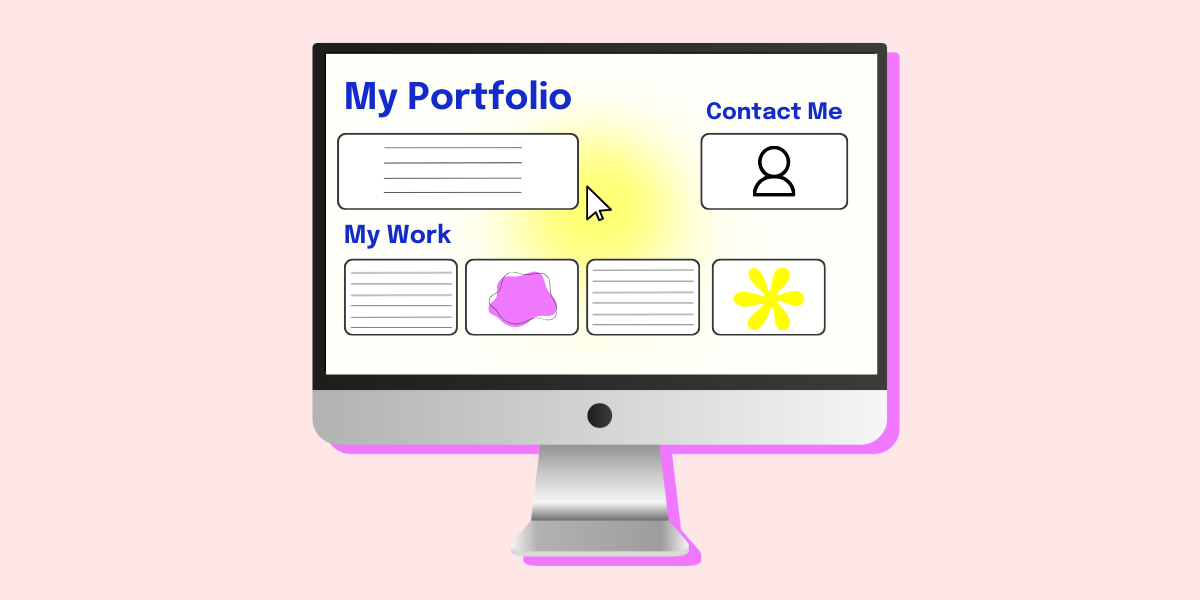
Create the online presence that lands you your dream role 🤩
Creating an online presence is a great way to let people know who you are, what you can do and what sets you apart from everyone else. If you’re studying or interested in going into a creative field, it’s crucial to show off your work in a portfolio, linking it with your social media.
Whether you’re into or wanna work in art, design, writing, photography, fashion, film, theatre, social media (think anything creative) having a portfolio isn’t just a flex; it’s a must. Think of it as your personal highlight reel. It’s where you show off your best work, your unique style, and what sets you apart from everyone else.
Where do I get started?

Getting started on a portfolio can seem a bit daunting. Thankfully, there’s heaps of different ways you can display your work online.
We’ll go through how to best display your work and how to link it to your professional social media to create an online presence.
First off, select your best work.

Make sure you choose quality over quantity and don’t just put up everything you’ve ever created online. Whether you’re an artist, writer, or marketer, focus on showcasing the best and most relevant pieces. Too many works can be overwhelming and dilute the impact.
Pick the work that shows a variety of your skills, techniques and styles so you can show off a well-rounded representation of your abilities. Don’t feel like you only have to choose work that you’ve done in school or uni, if you have work you’ve done on the side that you’re proud of – show it off!
Include a personal touch.

On the homepage of your portfolio, include a brief statement about who you are, what you studied/are studying, a bit about your interests and what inspires you. Keep it brief when explaining the work that you’ve created and keep the attention on what you’ve made.
Organise your portfolio effectively.

Categorise similar projects together (photography, graphic design, web design, articles, creative writing, etc.) to make it easier for people to navigate your work.
Show where you started from and where you’re at now. Keep your most recent pieces at the top and let people see how you’ve progressed. Make sure you keep your portfolio updated when you feel like there’s anything you want people to see.
Make it easy to navigate, ensuring the layout is clean. It doesn’t necessarily have to be simple but make sure everything is readable.
You should keep the fonts, spacing and colours consistent to enhance the professional look. If you have your own brand you want to show off, incorporate your logo throughout the site so people associate your work with you.
Fill out that contact info and experience.

Make it easy for visitors to reach you by placing a contact form on the website and keep it simple – name, email, and message fields.
Link to your social media accounts (Instagram, X and LinkedIn are good places to start). Don’t forget to put a section on your experience and education. Even if you haven’t had any professional experience yet, highlight all relevant work experience, education and certifications.
Choose your online portfolio website to get started.

Wix – best for beginners who want complete flexibility with design (create your website with Wix and save 50% with our deal here)
Canva – best for beginner graphic designers, content creators, photographers, artists.
ReadyMag – best for people who want a very creative, magazine-style portfolio.
Squarespace – best for artists, designers and photographers looking for sleek templates.
Behance* – best for graphic designers, illustrators, photographers and web developers.
Adobe Portfolio* – best for users with an Adobe Creative Cloud subscription who want an integrated portfolio. (Plus save 70% on Creative Cloud with our deal!)
WordPress – best for those who want a highly customisable portfolio and know a lot about web design.
Dribble – best for designers and creatives who want to showcase their work and network with other professionals.
*Requires an Adobe account.
Don’t forget to use Linktree to link your socials to your website, creating your online presence and making it easy for people to know who you are and what you can do.
You can check out some example portfolios on Wix here to give you a bit of inspo.
Good luck in creating your own creative portfolio!






Comments & Feedback
Share your opinion
Emoji cheatsheet Formatting Comment guidelines